


Introduction: Say Goodbye to 'That Phenomenon' of Disappearing Environment Variables
Have you ever broken out in a cold sweat while operating an application using GCP Cloud Run, experiencing something like this?
"When I deployed a new version via a CI/CD pipeline (GitHub Actions or Cloud Build), all the environment variables configured in the console disappeared and the app crashed."
This is fatal, especially when dealing with important confidential information such as microCMS Webhook Secrets or API keys. Manually reconfiguring them from the console screen might fix it temporarily, but they'll disappear again with the next deployment... This makes it impossible to release with confidence.
This article explains how to fundamentally solve this 'environment variable disappearance issue due to deployment' by introducing Google Secret Manager and build a secure and robust deployment flow.
Why do environment variables disappear?
The cause lies in the behavior of deployment commands (such as gcloud run deploy). If a deployment is performed without explicitly specifying environment variables on the CI/CD tool side, they may be overwritten by the tool's settings or updated as an 'empty state'.
While there are methods such as adding --update-env-vars to cloudbuild.yaml or flowing them in from GitHub Actions Secrets, these increase the maintenance cost of configuration files and come with security risks (e.g., configurations being visible on Git).
The Key to Resolution: Migrating to Google Secret Manager
The most recommended solution is to move the management location (Source of Truth) for environment variables from the Cloud Run configuration screen or CI tools to Google Secret Manager.
Target Final Configuration
The configuration to be achieved with this migration is as follows:
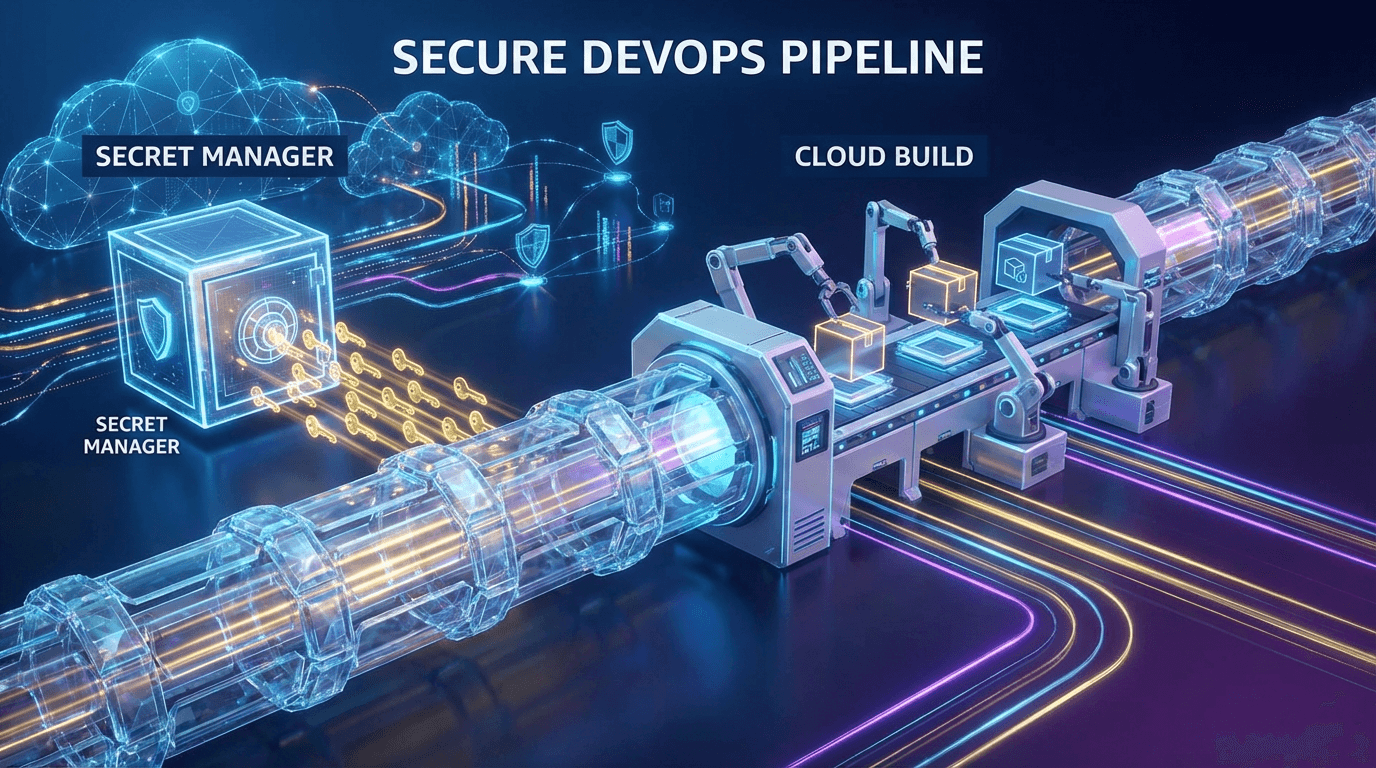
- Secret Manager: Centralized management of the 'source of truth' for environment variables.
- cloudbuild.yaml: Instructs to reference values from Secret Manager during deployment.
- Cloud Run: Mounts values from Secret Manager and starts up during deployment.
This eliminates the need to specify values with each deployment, and sensitive information is securely managed.
[Practice] Complete Migration Steps to Secret Manager Integration
Now, let's proceed with the migration work.
Step 1: Registering Secrets in Secret Manager
First, navigate to 'Security' > 'Secret Manager' in the Google Cloud Console and create the necessary environment variables as secrets.
For example, to register MICROCMS_WEBHOOK_SECRET:
- Click 'Create secret'
- Name:
MICROCMS_WEBHOOK_SECRET - Secret value: (Enter the actual value)
- Click 'Create button'
Repeat this for as many environment variables as needed.
Step 2: Granting Permissions to the Service Account
This is the biggest pitfall. You need to grant permissions so that the service account executing Cloud Run can read values from Secret Manager.
In the IAM management screen, grant the following roles to the Cloud Run service account (usually Compute Engine default service account or a custom one you created).
- Secret Manager Secret Accessor (
roles/secretmanager.secretAccessor)
Without this, you will encounter an error stating 'Container failed to start (cannot read secret)' when Cloud Run launches.
Step 3: Rewriting cloudbuild.yaml
Next, modify the deployment configuration file, cloudbuild.yaml. Deprecate the traditional --update-env-vars and --set-env-vars, and instead use --update-secrets.
The key point is the --update-secrets syntax. It is specified in the format ENVIRONMENT_VARIABLE_NAME=SECRET_NAME:VERSION (latest is usually fine for the version).
Errors Encountered During Migration and How to Address Them (Troubleshooting)
We will share the errors we actually encountered during the migration and their solutions.
Issue 1: Cloud Build substitution error
When attempting to write complex processing directly within cloudbuild.yaml, the following error occurred: invalid value for 'build.substitutions': key in the template "SERVICE_NAME"
Solution: Complex logic (e.g., processes to automatically move existing environment variables to Secret Manager) was extracted into a shell script (e.g., scripts/migrate-secrets.sh) instead of being written directly in the YAML. By calling that script from the YAML, syntax errors can be avoided.
Issue 2: Insufficient Cloud Build Service Account Permissions
During deployment execution, an error occurred: Permission 'run.services.get' denied.
Solution: The service account executing Cloud Build itself also requires sufficient permissions to operate Cloud Run. Reconfirm that the following roles are granted:
- Cloud Run Admin (
roles/run.admin) - Service Account User (
roles/iam.serviceAccountUser)
Issue 3: Traffic Not Assigned to the New Revision
This is a phenomenon where deployment succeeds, but when viewed in a browser, it remains the old version.
Solution: Depending on the Cloud Run deployment command, traffic may not be directed to the new revision by default. As in the cloudbuild.yaml example mentioned earlier, we added a step to explicitly execute the following command.
Summary: Focus on Development with a Robust Infrastructure
The following benefits were gained from this migration:
- Environment variables don't disappear: Secret Manager provides centralized management, eliminating deployment-related incidents.
- Improved security: Confidential information has been completely removed from Git repositories.
- Simplified configuration:
cloudbuild.yamlcan now function more easily as the 'source of truth'.
Managing environment variables may seem minor, but it's an indispensable element for stable system operation. Before you panic with 'It stopped working after deployment!', please consider migrating to Secret Manager.
![Docker/Kubernetes Practical Container Development Introduction Revised Edition [ Akinori Yamada ]](/_next/image?url=https%3A%2F%2Fthumbnail.image.rakuten.co.jp%2F%400_mall%2Fbook%2Fcabinet%2F0175%2F9784297140175_1_2.jpg&w=640&q=75&dpl=dpl_FYqBhuikYDMuNGE5MP5RYSgt6tk5)